Categories:
AccessoriesFree Deliveries within NAIROBI
Guaranteed 100% genuine products
1 Day Returns if you change your mind
Country-wide same-day delivery
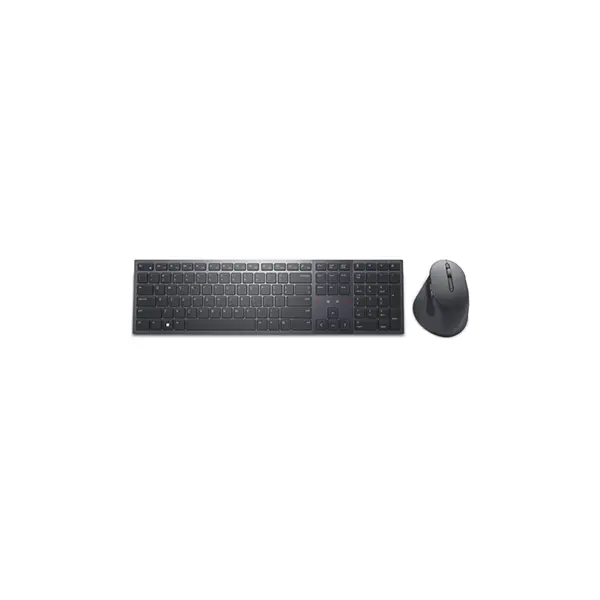
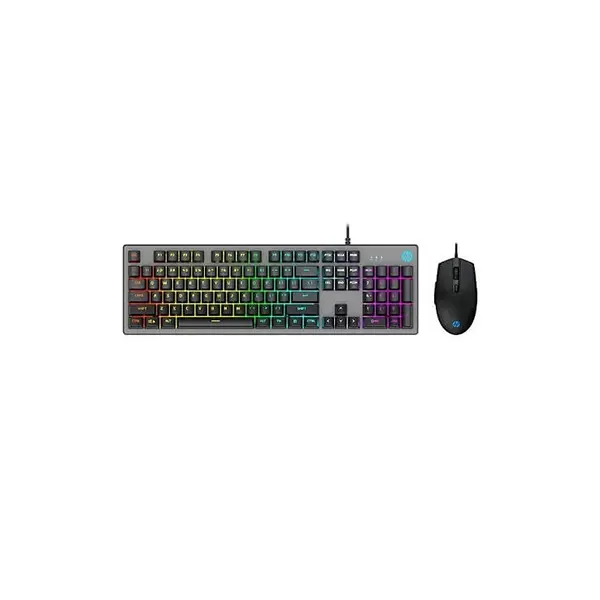
Gaming keyboard Km 201
The KM201 gaming keyboard (often bundled in a keyboard-mouse combo) aims to deliver an affordable but capable peripheral kit for gamers and everyday users alike. Its design balances functionality, aesthetics, and usability. Whether you are preparing for long gaming sessions, typing work, or casual use, this device intends to meet your expectations without excess cost. In what follows, I walk you through its design, performance, lighting, ergonomics, connectivity, and more.
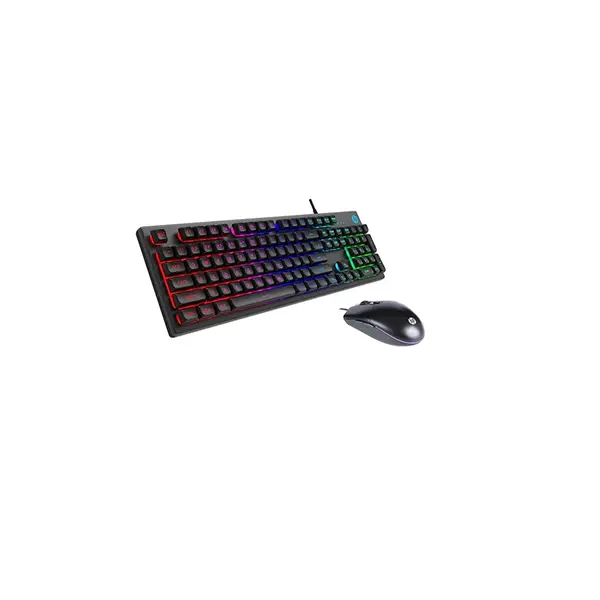
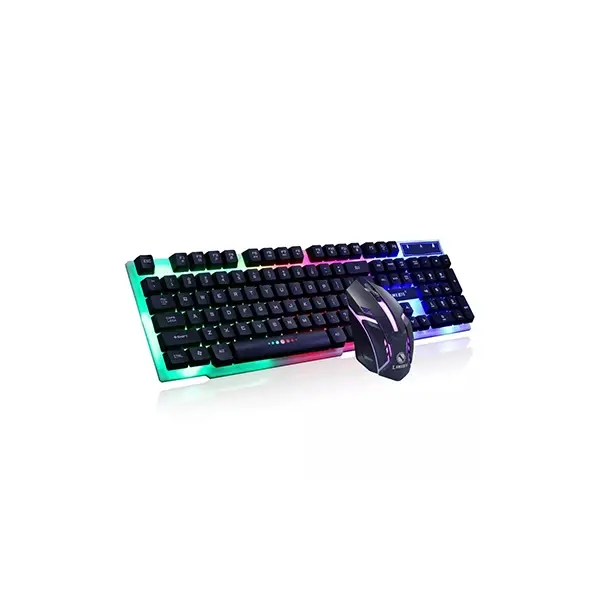
First, the KM201 features a sleek and modern look. The keyboard usually comes in black with a matte finish, complemented by visible LED or backlit effects. Some versions include a palm rest or ergonomic design cues to reduce wrist strain in extended use.
Furthermore, the build quality aims to balance durability with affordability. The keys feel stable under light to moderate use, and the overall layout provides a standard key placement (including function keys, arrow keys, etc.). Because many versions are combo kits (keyboard + mouse), the design language often matches between both devices for a cohesive setup.
Next, the typing experience depends heavily on the switches used in the keyboard. In certain variants (e.g. the ProtoArc MECH version), the KM201 uses low-profile red mechanical switches, which provide a smooth, linear keystroke with minimal click noise. These switches aim to offer responsive keystrokes with fast rebound—an advantage when gaming.
Because the keys are low-profile, the stroke distance is somewhat reduced compared to full mechanical keyboards. As a result, you get faster actuation, yet the tactile feedback remains decent for typing and gaming. In shorter bursts, the responsiveness feels more immediate and crisp.
Moving on to aesthetics, lighting plays a key role in making it a “gaming” keyboard. Many KM201 models include backlit LED effects, allowing you to work or game in dim environments. According to some listings, the combo includes a “multimedia 2.4G wireless mouse + keyboard,” and mentions backlit or RGB lighting being part of the offering.
These lighting effects enhance both visual appeal and usability: keys remain visible in low light, and the dynamic glow adds an immersive gaming ambiance. Depending on the version, you may be able to cycle through different light modes (breathing, static, wave, etc.), though not all versions expose full mode customization.
Ergonomics & Comfort
Because comfort matters in long sessions, the KM201 includes features to reduce fatigue. Some models equip an integrated palm rest or a slightly sloped chassis to keep wrists at a more natural angle.
Additionally, tilt legs or adjustable stands often appear on the underside so you can raise the keyboard angle to your preference. These ergonomic touches help maintain comfort whether you’re gaming, working, or chatting. In the combo versions, the mouse is designed ergonomically to suit typical hand shapes and grips.
Connectivity & Combo Features
One distinguishing aspect of the KM201 in many listings is that it is sold as a wireless keyboard + mouse combo, typically operating over 2.4 GHz wireless via a USB nano receiver.The wireless connectivity frees your desk-space from cables and gives flexibility in device placement. The effective range is often cited to be up to ~10 meters (≈ 33 ft).
Because a single USB receiver handles both keyboard and mouse, setup is very simple: you plug in the receiver, and both devices should work without requiring extra drivers. However, reliance on wireless means you will depend on battery power (usually rechargeable or AA/AAA batteries), so managing battery life is a consideration.
Although the KM201 is not a top-tier premium gaming keyboard, it offers sufficient performance for many casual to mid-level gamers. The fast response of red switches and wireless connectivity make it responsive in many genres. However, for highly competitive, pro-level gaming (especially where microsecond latency matters) some users may prefer wired premium mechanical keyboards.
In addition, the backlighting, ergonomic design, and combo nature (keyboard + mouse) make it suitable for general gaming rigs, especially for those on a budget or looking for a compact setup.
Still, the KM201 has some trade-offs. Because it is often a budget or midrange combo, some features present in high-end boards (hot-swappable switches, full key remapping software, ultra-high polling rate) may be missing. Wireless connectivity, though convenient, can introduce slight latency or require battery charging. The build materials may lean more toward plastic than premium metal, so durability over many years might not match top-tier alternatives.
Moreover, specifications (such as battery size, switch type, supported lighting modes) vary by version, region, or seller, so it’s essential to check the exact model before purchase. Some listings even refer to it under alternative branding such as “Firecam KM201 Gaming Keyboard.”
Here’s a compiled list of the technical specs of the KM201 gaming keyboard / combo variants, based on currently available product listings:
Overall, the KM201 gaming keyboard (especially in its combo form) offers a compelling blend of value, style, and functionality for users on a tighter budget. Its wireless design, LED lighting, ergonomic touches, and responsive switches make it a solid choice for casual gaming, work, and general use. While it may not rival premium mechanical boards in features or durability, it delivers a strong experience for everyday users.
Your email address will not be published. Required fields are marked *
Please login to write review!
Looks like there are no reviews yet.